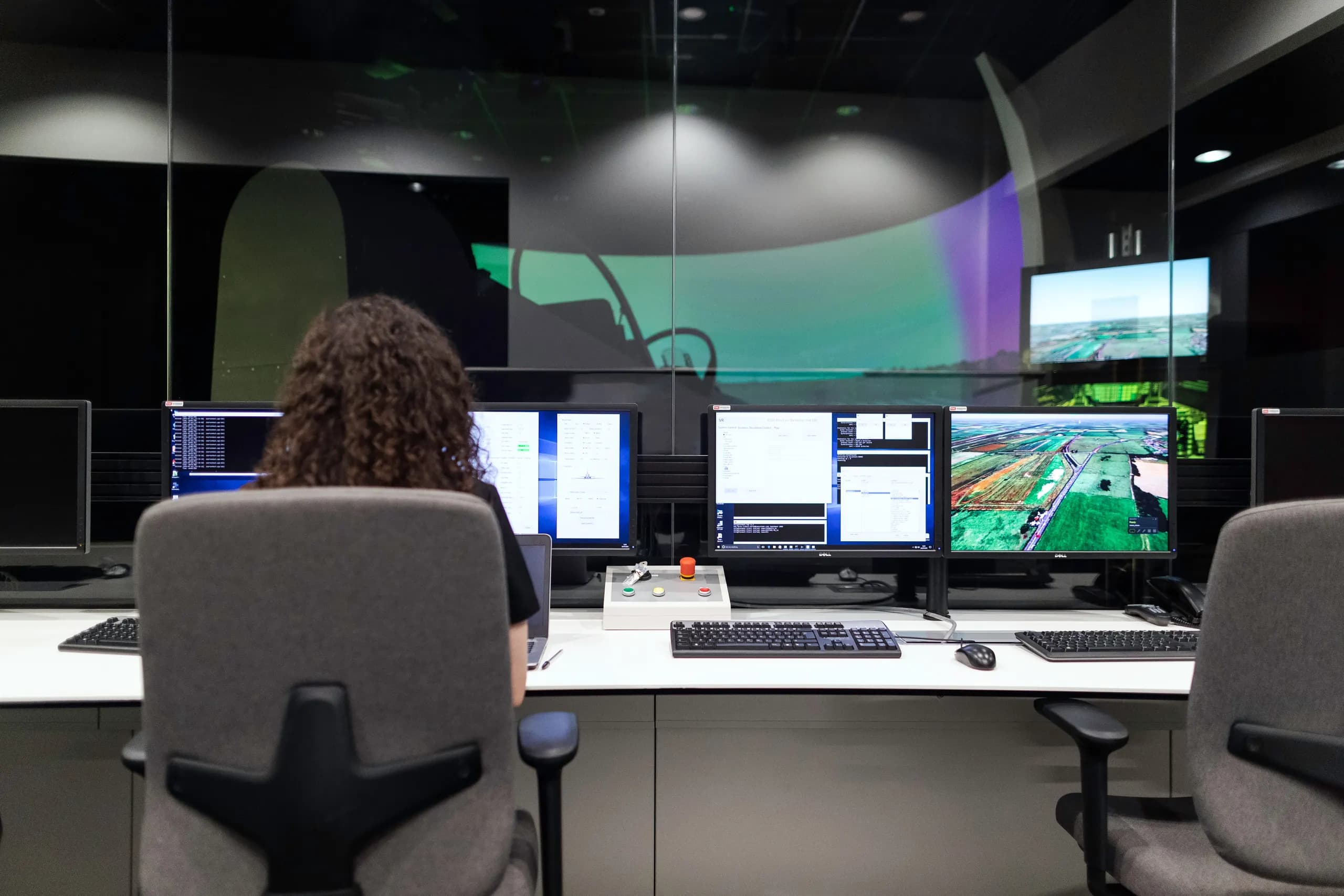
What a private range is
The range is a separate environment we build for one organization. It mirrors the parts of your estate that the exercises need: identity services, endpoints, servers, cloud accounts, email, and the security tools your team already uses. Activity in the range stays inside it.
It is for security leads who want their SOC, incident responders, help desk and executives to practice against current attack methods, and for training owners who need an environment they can use again. Facilitated courses are covered under training. This page covers the range and the scenarios that run in it.
Scenarios
We choose scenarios with your team. AI-driven attacks run alongside established intrusion paths, and one exercise can combine several.
Deepfake calls to the help desk
A caller uses a cloned voice of an employee to request a password reset or MFA re-enrollment. Help desk staff follow their verification procedure, and the SOC looks for the account activity that follows.
Deepfake executive requests
A synthetic voice or video call that appears to come from an executive asks finance staff or an assistant to approve a payment or share data. The exercise tests call-back and approval steps.
AI-written phishing
Targeted messages generated from public information about your organization and written in its usual style. Your team practices reporting, triage and containment of any access gained.
Compromised or misused AI agents
An internal assistant or agent with tool access is manipulated through prompt injection or runs with permissions that are too broad. Defenders trace what the agent did and which data and systems it touched.
Ransomware and lateral movement
Initial access on an endpoint, credential theft, movement across the domain, and encryption of selected hosts. Responders work through detection, containment and recovery.
Cloud identity and insider activity
Misuse of cloud roles, leaked access keys, and data collection by a trusted account. Analysts correlate audit logs with identity and endpoint data.
How an exercise runs
We agree objectives, participants and scenarios with your team. We review your architecture, tooling and procedures, then write a scenario brief with scope, permitted actions and stop conditions.
We build the range in your cloud, on your hardware, or on our hosting. It includes the systems and security tools in scope, test identities, synthetic data, and the attack infrastructure for the chosen scenarios. We test isolation before any participant has access.
Participants work the scenario from their usual roles. Our operators run the attack steps and send injects, including deepfake calls and AI-generated messages where these are in scope. A facilitator records decisions and timing.
We walk through the attack timeline next to what your team detected and did. We cover what was detected, what was missed or late, how the response went, and what to change. The range is then reset for the next run.
What the range includes
Each range is assembled from the components your scenarios need. Where you license commercial security tools, we configure them in the range. Otherwise we use open-source equivalents.
Your systems
- Directory and identity services such as Active Directory or Entra ID
- Windows and Linux endpoints and servers
- Cloud accounts and workloads in scope
- Email and business applications used in the scenarios
Detection and monitoring
- Your SIEM and EDR, or Wazuh, Security Onion and OpenSearch
- Log sources set up to match your production logging
- The alert rules and dashboards your analysts use
- Case and ticketing workflow for escalations
Attack infrastructure
- Command-and-control and phishing infrastructure inside the range
- Voice and video tooling for deepfake scenarios
- Test AI agents with tool access for agent misuse scenarios
- Scripted and operator-run attack steps
Observation and scoring
- Attack timeline recorded by our operators
- Detection and response actions captured by role
- Scoring against the objectives in the brief
- Snapshots to reset the range between runs
Deployment options
| Option | How it works | When it fits |
|---|---|---|
| In your cloud | We deploy the range into a dedicated account, subscription or project that you own, with no trust to production. | You want the range under your own controls and billing, or your data policies require it. |
| On-premises | We install the range on hardware in your data center or lab, with no connection to production networks. | You run air-gapped or regulated environments, or your scenarios depend on on-premises systems. |
| Hosted by DeployOpen | We run the range on our infrastructure and give your team access for each exercise. | You want to start without provisioning infrastructure, or you run exercises a few times a year. |
What you receive
Every exercise ends with a debrief. The written findings that follow are yours to keep and share internally.
Debrief session
- Attack timeline set against your team's actions
- Discussion with participants and their managers
- Points raised by participants recorded
Detection findings
- Steps that were detected, missed or detected late
- Log sources or rules that would close each gap
- Notes on alert quality and triage
Response findings
- Containment and recovery decisions and their timing
- Escalation and communication between teams
- Verification steps that help desk and finance staff followed or skipped
Improvements and reruns
- Recommended changes, ordered by effort and impact
- Scenario saved to your library
- Option to rerun after changes and compare results
Questions
Does the range touch our production systems?
No. The range is a separate environment with its own network and identities, and we test isolation before the first exercise. Attack activity stays inside the range.
How closely does the range match our environment?
We model it on your architecture, security tools and log sources, as far as the scenarios need. The scope of what is mirrored is agreed during design, and the brief records any differences that affect results.
Who facilitates the exercises?
Our operators run the attack side and a facilitator from our team leads the exercise and the debrief. If you prefer, your team can take over facilitation for later runs.
Can we rerun scenarios?
Yes. Each scenario is kept in a library for your range, with its configuration and scoring sheet. You can rerun it with a new group, or after changing a rule or procedure to compare results.
How is our data handled?
Range data, recordings and findings stay in the deployment you choose. We agree retention and deletion rules before the first session and sign an NDA on request. Synthetic data is the default, and production data is used only with your written approval.
Can non-technical staff take part?
Yes. Help desk staff, executives, assistants and finance teams can take part in deepfake and phishing scenarios. They work from their normal procedures, and their part of the debrief stays non-technical.
How to prepare
Name an owner for the range and choose the teams who will take part. Share an outline of your architecture, the security tools in use, and the procedures you want to test, such as help desk identity checks or payment approval.
Decide where the range will run. For a deployment in your cloud or on-premises, we send resource and access requirements during design. For deepfake scenarios, agree whose voices or likenesses may be used and get consent from those people.