What it is
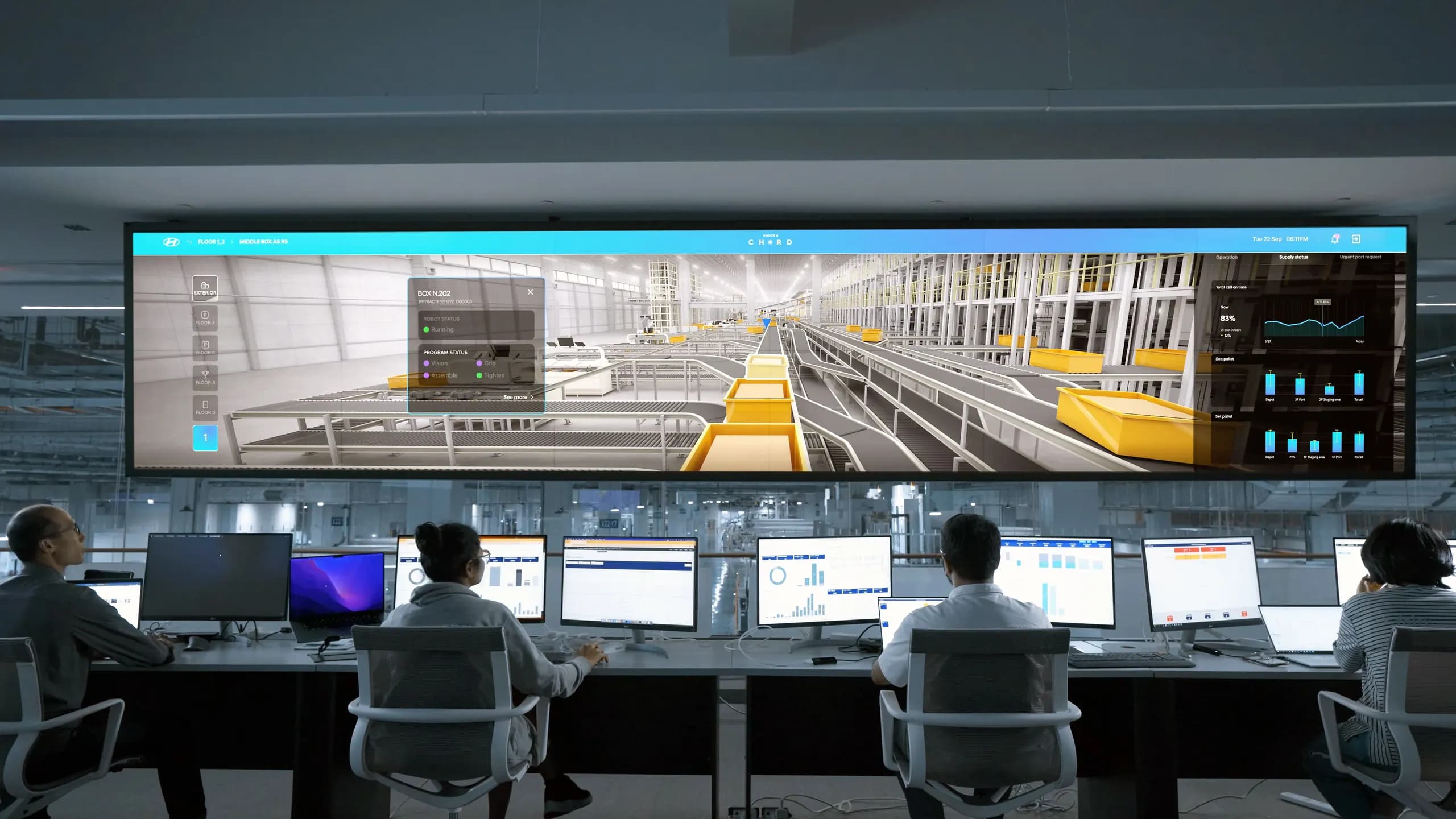
The range gives your responders a working copy of the relevant parts of your estate and an incident in progress. They collect evidence, scope the incident, contain it and restore service with the tools and playbooks they use at work.
It suits incident response leads, SOC managers and IT operations teams, along with the managers who make decisions during an incident. Facilitated courses are covered under incident response training.
Scenarios
Ransomware outbreak
Encryption spreads from one endpoint to file servers. Responders isolate hosts, find the entry point, and restore from backups in the range.
Business email compromise
A mailbox is taken over after AI-written phishing, and forwarding rules redirect invoices. Responders trace the access and recover the account.
Deepfake-led account takeover
A cloned voice persuades the help desk to reset MFA. Responders connect the help desk ticket to the sign-in activity that follows.
Compromised cloud credentials
An access key is used to create resources and read storage. Responders revoke access, review audit logs and remove persistence.
Data exfiltration
Staged files leave the network over an allowed channel. Responders establish what left, when, and from which systems.
Web application breach
A vulnerable internet-facing application leads to a web shell and access to an internal database.
How an exercise runs
We choose the scenario and the playbooks to test, and agree who takes part: responders, IT operations, and legal, communications and management as needed. We write a timeline of injects and the decisions each role will face.
We build hosts, logs, backups and tooling in your cloud, on-premises or on our hosting, and stage the incident artifacts. Responders get the access paths and tools they use at work, with test credentials.
The incident starts from an alert or a user report. Responders work through detection, analysis, containment, eradication and recovery. Injects such as a ransom note, a media inquiry or a second affected host arrive on schedule.
We review the response timeline against the scenario timeline. We cover evidence found and missed, containment choices, communication, and whether recovery was verified. Changes to playbooks and tooling are agreed with the team.
What the range includes
Systems in scope
Endpoints, servers, identity services, email and cloud resources modelled on yours, with backups that can be restored.
Evidence sources
SIEM and EDR data from your tools or from Wazuh, Security Onion and OpenSearch, plus disk images, memory captures and audit logs for forensic work.
Response tooling
Forensic and triage tools, ticketing, and a communication channel for the incident, matched to what your team uses where possible.
Exercise control
Scenario timeline, inject schedule, and a facilitator log of decisions and timing.
Exercise formats
| Format | How it works | When it fits |
|---|---|---|
| Tabletop | Participants discuss decisions at each stage using range artifacts, without hands-on work. | Management, legal and communications roles, or a first review of a new playbook. |
| Live-fire | Responders work the incident hands-on in the range. | Testing technical procedures, tool access and evidence handling. |
| Combined | Technical responders work in the range while a management group runs a parallel tabletop fed by their updates. | Testing escalation and decisions between technical and leadership teams. |
Aligned with NIST SP 800-61
Exercises follow the incident handling stages described in NIST SP 800-61: preparation, detection and analysis, containment, eradication and recovery, and post-incident activity. Revision 3 places this work within the Cybersecurity Framework 2.0 functions, and we can map findings to either structure.
Your own incident response plan remains the reference during the exercise. Where your plan and the guidance differ, the debrief notes it for your review.
What you receive
Each exercise ends with a debrief while the incident is fresh. Written findings follow and are yours to keep.
Debrief session
- Response timeline against the scenario timeline
- Decisions reviewed with the people who made them
- Notes from technical and management groups
Detection and analysis
- Evidence found, missed or found late
- Accuracy of scoping at each stage
- Gaps in logging or tool access
Containment and recovery
- Containment actions and their side effects
- Recovery steps and how they were verified
- Communication and escalation between teams
Improvements
- Playbook updates and tooling changes
- Scenario stored for a rerun
- Option to rerun with a new group or after changes
Questions
Does the exercise affect production?
No. The incident runs in an isolated range with its own network, identities and backups. Containment and recovery actions are taken on range systems only.
How close is the range to our environment?
We model it on your architecture, tools and log sources, as far as the scenario needs. The brief records any differences that affect what responders can see.
Who facilitates?
A facilitator from our team runs the exercise, sends injects and leads the debrief. Our operators handle the attack activity behind the scenario.
Can management and non-technical staff take part?
Yes. Legal, communications, HR and executives can join through the tabletop track or through injects addressed to them.
Can we rerun scenarios?
Yes. Each scenario is kept in a library for your range, with its configuration and scoring sheet. You can rerun it with a new group, or after changing a rule or procedure to compare results.
How is data handled?
Range data, recordings and findings stay in the deployment you choose. We agree retention and deletion rules before the first session and sign an NDA on request. Synthetic data is the default, and production data is used only with your written approval.
How to prepare
Share your incident response plan, the playbooks in scope, and your escalation and contact lists. Name the people for each role, including decision-makers outside the security team.
Tell us which tools responders use for evidence collection and ticketing so the range matches. If you want to include backup and restore, name the systems and backup method in scope.